Explain resources
Ask what a resource does, how its configuration affects the workload and which related objects are worth inspecting.
Lumen AI
Bring resource state and relevant logs into a question for your configured AI provider. Use the response to identify the next check, explain unfamiliar configuration or develop a possible cause, then verify it against what the cluster shows.
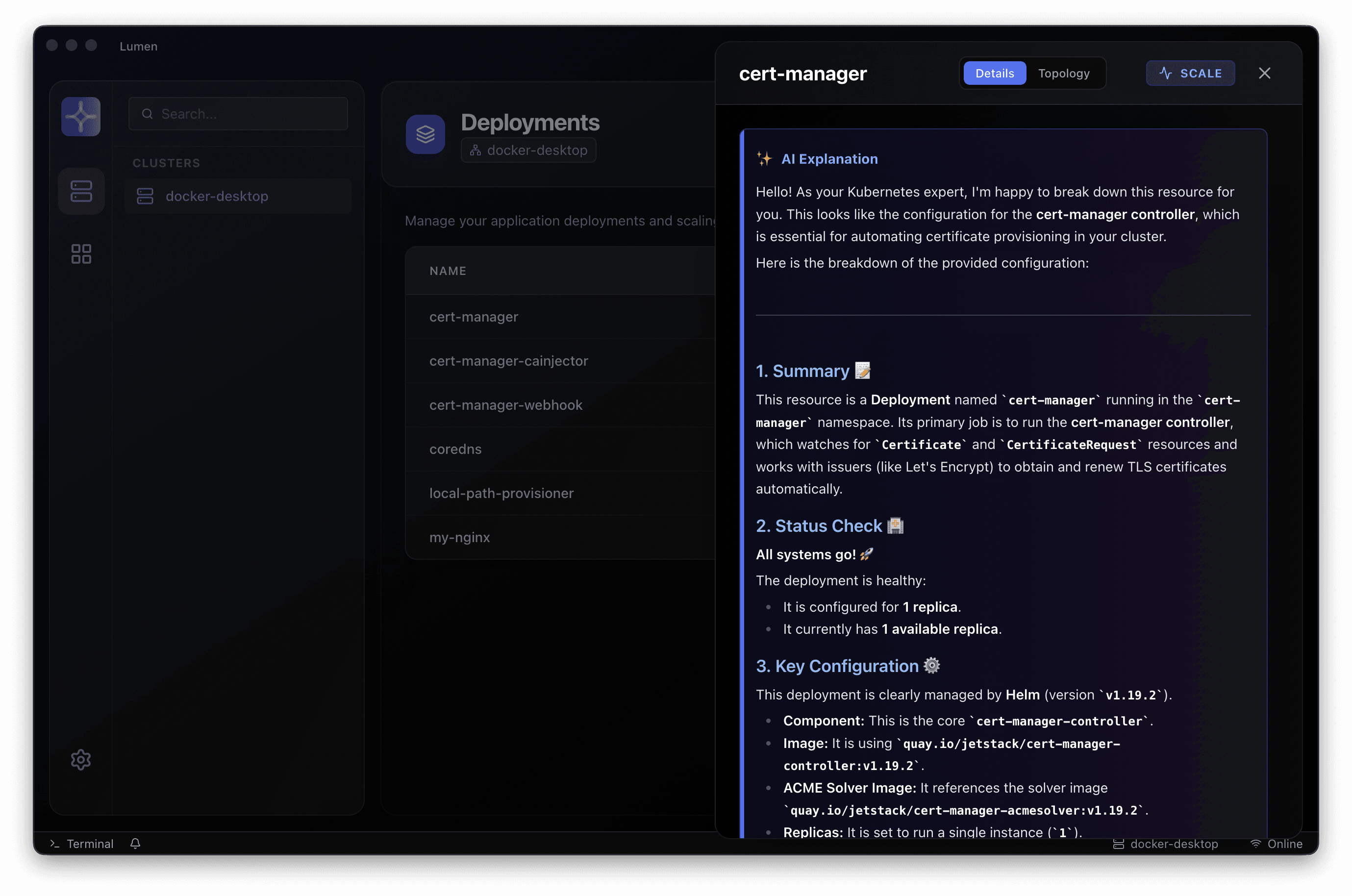
Ask what a resource does, how its configuration affects the workload and which related objects are worth inspecting.
Use selected log output to explore a possible cause or narrow the next investigation step. The response is a hypothesis to check, not a confirmed incident diagnosis.
Configure a supported cloud or local provider. Decide which context it receives and review the credentials and data handling for your environment.
A connected investigation
A practical workflow for investigating Kubernetes without losing the environment, evidence or operating boundaries.
Confirm the Kubernetes context and namespace. Keep the investigation scoped to the right environment.
Bring relevant object state and logs into the question. Review the context collection behaviour of your release.
Configure a supported cloud or local model. Review its data handling, credentials and operational requirements.
Compare the response with observed events and resource state. An engineer owns the interpretation and next action.
A clearer next step
Choose a release, connect an existing Kubernetes context and work through an investigation your team knows well. Talk to us when you need help with rollout or enterprise adoption.