Log search
Search and inspect logs where the workload context already exists.
Troubleshooting workspace
Start at the workload and keep its cluster, namespace and container in view as you read logs or open an operational session. Search the output, capture useful evidence and use terminal or port-forward access when the investigation calls for it.
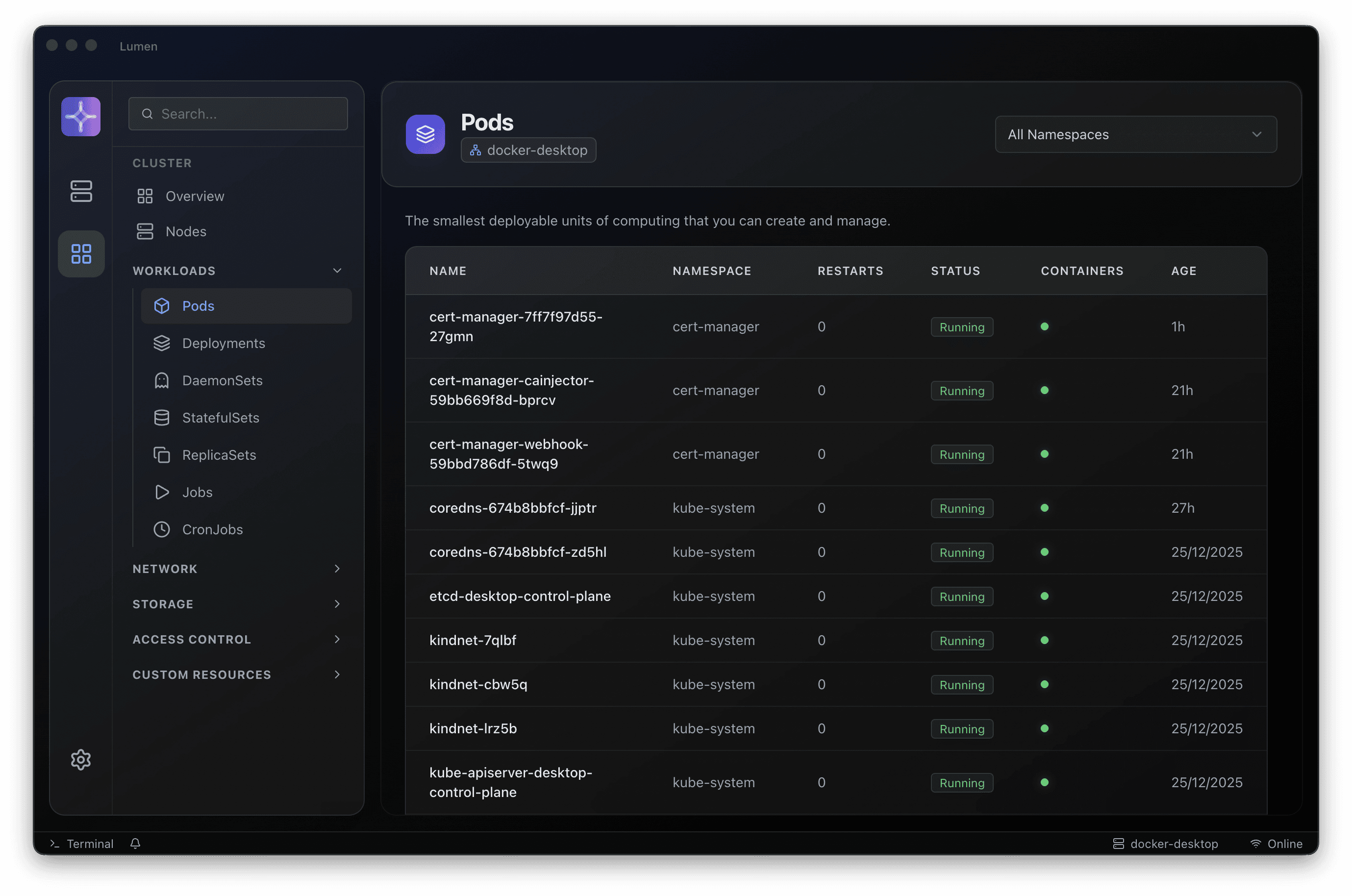
Search and inspect logs where the workload context already exists.
Keep incident evidence and share context without copying from terminals.
Open shell workflows without losing the resource and cluster context around them.
Reach services and pods during debugging while staying inside the Lumen workflow.
A connected investigation
A practical workflow for investigating Kubernetes without losing the environment, evidence or operating boundaries.
Check cluster, namespace and target container before opening an operational session.
Stream and search relevant logs. Treat exported data according to your organisation’s handling policy.
Use terminal or port-forward workflows when appropriate to your permissions and incident process.
Record findings, end sessions and stop temporary port forwards when the investigation is complete.
A clearer next step
Choose a release, connect an existing Kubernetes context and work through an investigation your team knows well. Talk to us when you need help with rollout or enterprise adoption.