Topology
Follow the path through your cluster.
Follow the supported relationships around a workload, then open the relevant resource to inspect its state. Topology helps you keep the wider system in view while you investigate the detail.
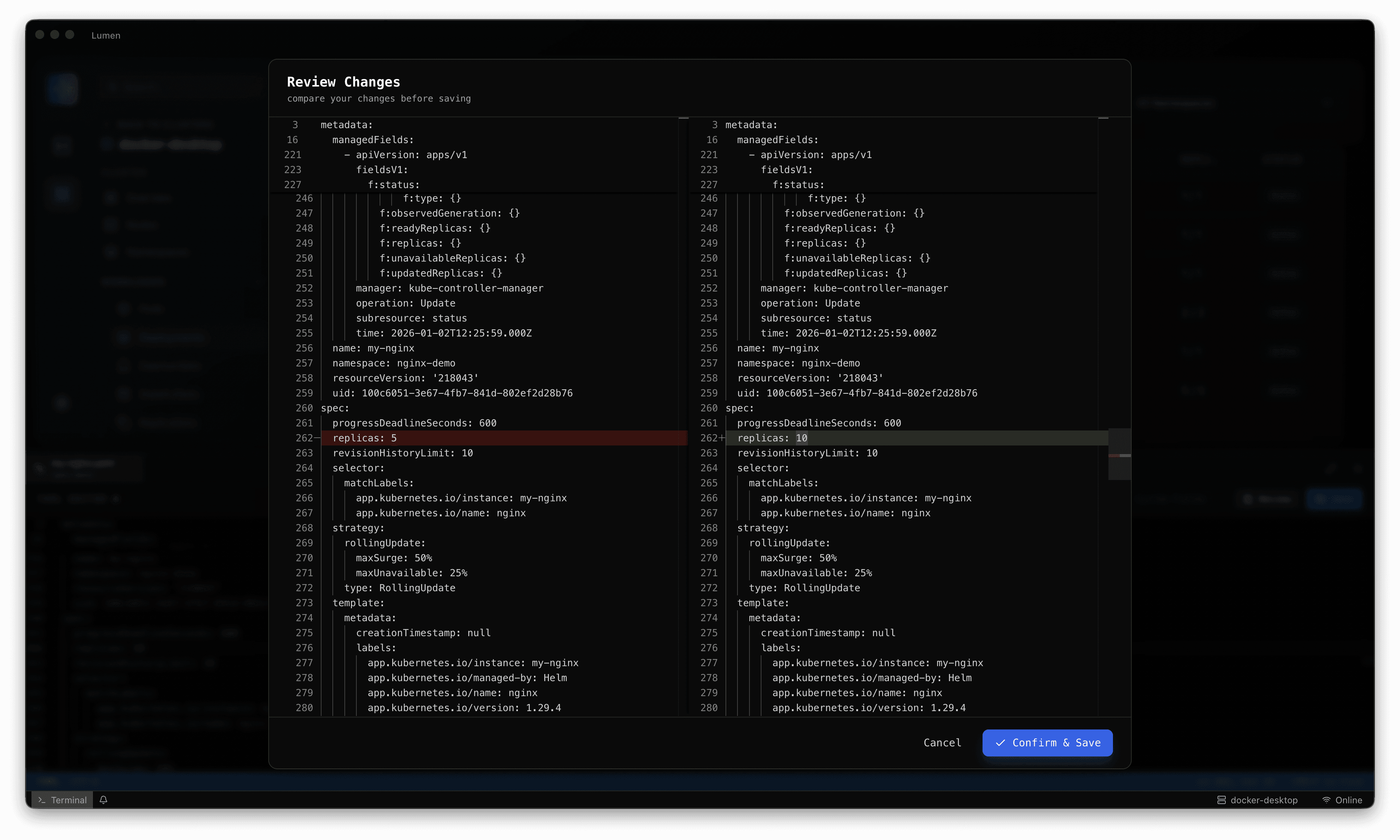
From object detail to operational context.
A scheduling problem may lead you to a node. A connectivity issue may lead you to a Service or its workload. Follow the relationship, inspect the object and compare what you find with the original symptom.
- Resource relationship views for faster investigation.
- Pod and node context for scheduling and health questions.
- Helm release topology and revision understanding.
service/payments-api -> deployment/payments-api
deployment/payments-api -> replicaset/rev-42
pod/payments-api-7fd9 -> node/ip-10-0-12-44
A connected investigation
Keep the context as you work.
A practical workflow for investigating Kubernetes without losing the environment, evidence or operating boundaries.
- 01
Start at a resource
Find the workload or object behind the symptom and confirm its namespace.
- 02
Follow relationships
Explore the supported resource and workload connections rather than assuming the first symptom is the cause.
- 03
Inspect the evidence
Move into object detail, configuration and logs to validate the relationship you are investigating.
- 04
Return to the wider view
Use the cluster and node views to check whether the issue is local to a workload or part of a wider pattern.
A clearer next step
Try Lumen in your own environment.
Choose a release, connect an existing Kubernetes context and work through an investigation your team knows well. Talk to us when you need help with rollout or enterprise adoption.